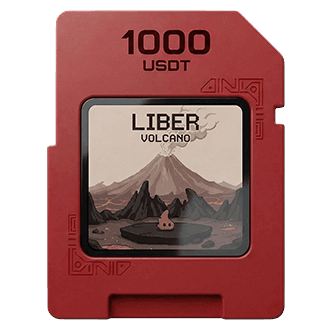
Step 01
Deposit assets
Deposit supported assets and confirm the amount.

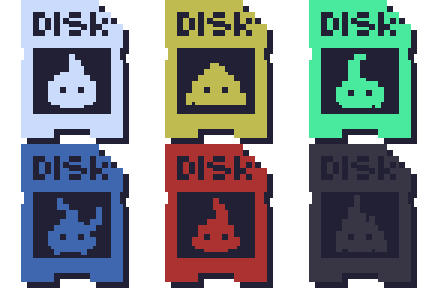
LIBER helps users deposit supported assets, monitor position status, rewards, and Habitat benefits, and choose available actions based on protocol conditions. Each position is represented by a LIBER DISK NFT.
A quick guide to how supported deposits become LIBER DISK positions and lead to available actions inside the LIBER App.
Step 01
Deposit supported assets and confirm the amount.
Step 02
A LIBER DISK NFT is issued to represent the deposit position.

Step 03
Use LIBER DISK to review position status, reference value, rewards, Habitat benefits, and eligibility.
Step 04
Based on position status and protocol conditions, choose Mint LIB, Withdraw, or other supported actions.
When a user deposits supported assets, LIBER issues a LIBER DISK NFT connected to that position. LIBER DISK serves as the reference point for position status, reference value, Mint LIB eligibility, Withdraw availability, Habitat benefits, and supported liquidity features.
NFT
Issued after Deposit
Position
Status + reference value
Utility
Mint, Withdraw, supported liquidity